
Book an Appointment
Welcome to our Scheduling Site!
New Clients: You can book a Phone Consultation, a First Appointment, or add yourself to the Waitlist for either of these by using the booking instructions below. We are accepting new clients and will use the waitlist to reach out to you.
1. Sign-In / Sign-Up: You’ll find Sign-In or Sign-Up on the top Header Bar
2. Chose a therapist (only if you are on the main booking page): When on the main booking page, click on the therapist profile picture to see their schedule and make a booking. Note, links from the website may bypass this page and take you straight to step 3 below.
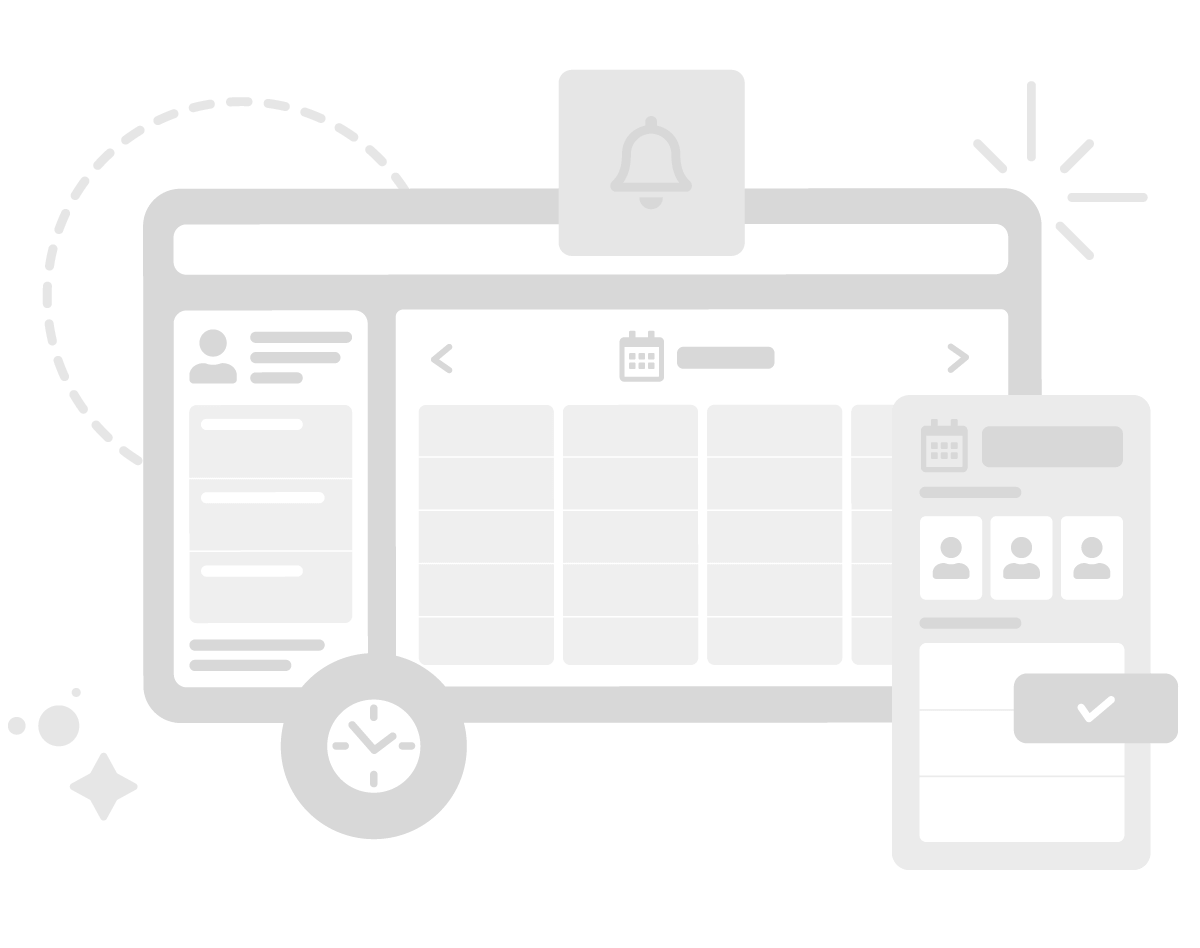
3. Book into a therapist’s schedule: When on the Therapist’s page …. the therapist’s photo and bio will be below these instructions on the left, and there will be blue boxes under their photo with the appointment types. Click on a blue box for the preferred appointment type, then the calendar appears with availability for that appointment type. Click the blue square on the calendar to book your preferred day and time.
4. Waitlist: To access the waitlist … scroll to the bottom of the Appointment Types (blue boxes on the left when in therapist page step 3) and you will find the link to “Wait List” or copy this url to your browser … https://relationshiplighthouse.janeapp.com/wait_list/new?staff_member_id=2
5. Successful booking: Your booking will be displayed in your profile page (if not, it may be because you were not signed in and your session was reserved to an “unknown” user. In this case, if you wait 10 min and then sign in, the “unknown” reservation will be released and you should be able to re-select your time).
Looking forward to connecting soon! :) For Help Text … 416-901-1199
Select a session
from the list on the left
to view available appointment times
Need Help? 416-901-1199 admin@relationshiplighthouse.ca